WordPress has long been the backbone of the web, powering over 40% of all websites with its flexible, open-source platform.
As artificial intelligence reshapes content creation, web development, and user experiences, Automattic—the company behind WordPress.com, WooCommerce, and much of the WordPress ecosystem—has positioned itself as a thoughtful leader in AI integration.
Their philosophy emphasizes open-source principles, accessibility, and empowerment for users ranging from beginners to seasoned developers.
We’ve already covered WordPress’s AI Copilot tool to help you once you already have a WordPress site called Jetpack.
In this in-depth exploration, we’ll examine Automattic’s experimental WordPress AI Website Builder called Telex at https://telex.automattic.ai/. We’ll cover their features, access methods, pricing, real user sentiments drawn from community feedback, and their broader implications for the future of web publishing.
Telex: The Experimental Leap into AI-Powered Block Theme Development
Introduced dramatically at WordCamp US 2025 in Portland by Automattic CEO Matt Mullenweg, Telex represents a bolder AI experiment.
Mullenweg described it as “V0 or Lovable, but specifically for WordPress“—a “vibe coding” tool where users describe ideas in natural language, and AI generates fully functional Gutenberg blocks as downloadable plugin ZIPs.
The announcement was covered extensively, including in TechCrunch’s report on the reveal.
Telex targets the traditional friction in custom block creation, which demands JavaScript, React, PHP, block.json metadata, and CSS expertise.
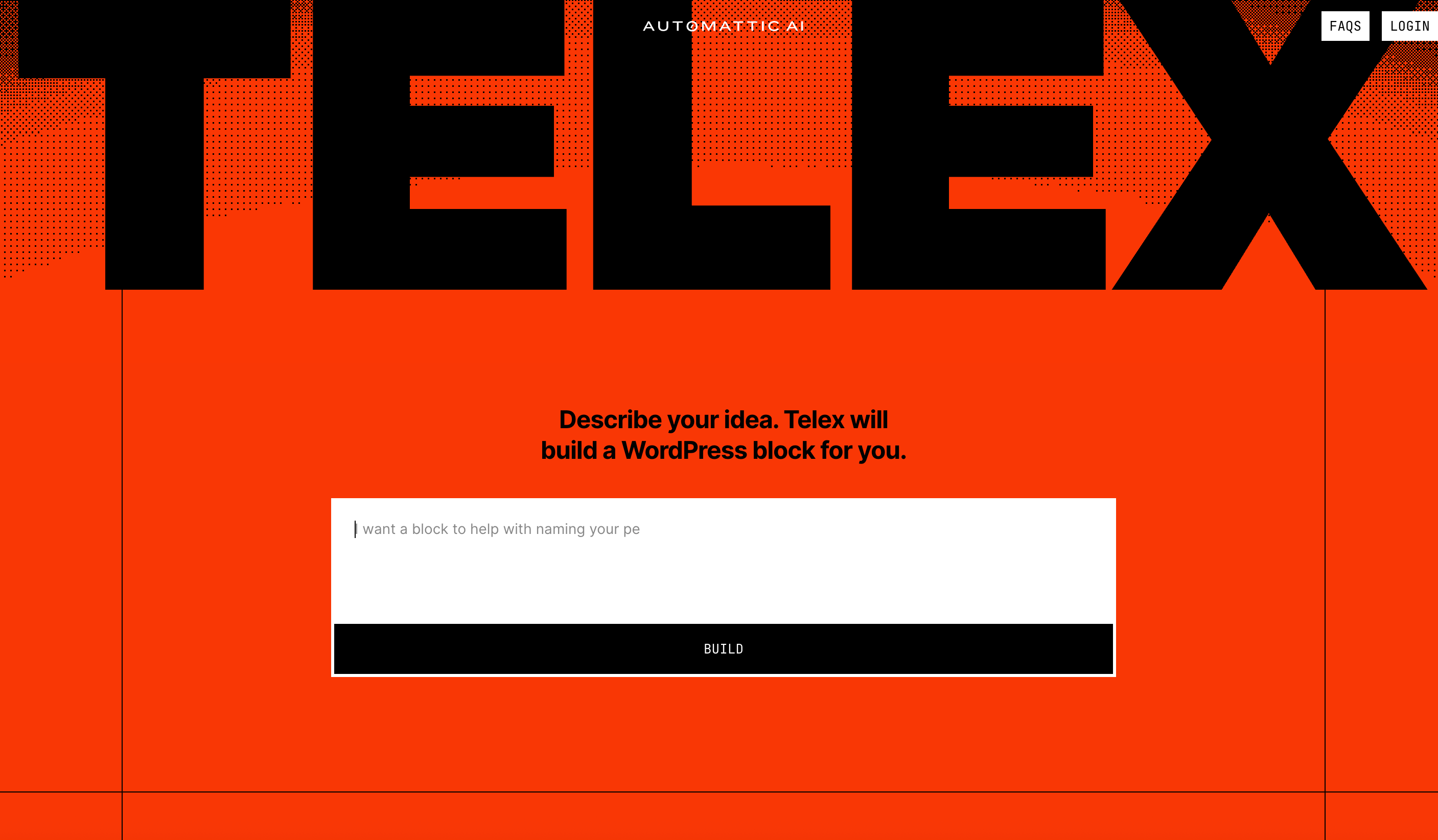
Instead, visit https://telex.automattic.ai/ in any browser—no installation or login required for core use (optional WordPress.com login saves projects).
Type a prompt like “Build an interactive Minesweeper game with customizable grid size and flag mode,” click “Build,” and wait 1–2 minutes.
The AI generates React-based editor/frontend code, SCSS styles, and metadata, previewing live in a sandboxed WordPress Playground (WebAssembly-powered).
Iteration is key: Refine with follow-ups—”Add confetti on win,” “Make it mobile-responsive,” or “Inherit theme colors.”
Edit code directly if needed. Outputs are Gutenberg-native: install via Plugins > Upload Plugin on any WordPress site (self-hosted or .com). Shared preview links allow collaboration without accounts.
Automattic’s showcase highlights creativity, with examples detailed in their official blog post on cool blocks made with Telex:
- Minesweeper game
- Rainbow Confetti button
- Personality Quiz with shareable results
- Weather Forecaster pulling NOAA data
- Pokémon Fun Facts via API
- Recipe cards with scaling ingredients
- Scratch-to-reveal cards
- Interactive dice rollers
- Timeline blocks
- WooCommerce product carousels
By late 2025, updates added changelog tracking, better plugin/theme installs in the workspace, and real-world internal use at Automattic (e.g., price calculators, business hours with maps).
Pricing
As of January 2026, it’s still experimental—free, unlimited, but with potential bugs, non-deterministic results, and limitations like no robust inner blocks or mobile editing.
This can’t stay free forever as AI prompting does require credits. We anticipate a free plan with limited prompts and paid plans for power users.
Feedback
User sentiment around Telex has been enthusiastic, especially among developers and creators.
Reddit threads like “Did you try WordPress Telex? It’s awesome” showcase successes: one user built a Galton board for probability explanations in a single prompt.
X posts feature glass-effect blocks, Woo carousels, and rapid prototypes.
TechCrunch noted early real-world adoption in shops for custom features. Positives: “Impressive for no-code interactivity,” “Shaves days off routine work,” “Forward-thinking.”
Drawbacks include code errors requiring fixes, occasional failures on complex ideas, and the experimental label—some call it “raw but promising.”
Community shares previews and remixes, fostering collaboration. Overall, 4/5 stars: exciting for prototyping, but human oversight essential.
Community Reception: Balancing Excitement with Realism
Jetpack AI enjoys broad appeal—millions use it for blogging and e-commerce, with 80%+ satisfaction in reviews.
Whereas Telex, which is newer, sparks buzz: WordCamp demos and X videos show creations like animated elements and quizzes.
Reddit and forums praise speed for MVPs, though some worry about “half-baked” features. Mullenweg’s vision—AI democratizing publishing—resonates, but users stress reviewing outputs for security and accuracy.
Also on Reddit, many web designers are worried that it will take their job eventually.
People like that you can modify your theme after the initial generation of it and like that it creates native WordPress block themes.
However, others complain that it ONLY supports Block themes and not other popular WordPress Builders that people have grown to love like Elementor and Divi (each of which have their own AI features which we’ll review later).
Pros, Cons, and What’s Next
Jetpack AI offers seamless content tools with free entry; cons include paywalls for scale. Telex empowers rapid custom interactivity; limitations center on experimental reliability.
Both tools align with WordPress’s open ethos. Future hints include deeper Gutenberg integration, benchmarks for AI models on WordPress tasks, and potential evolution of Telex into production tools.
In 2026, AI continues making the web more creative and accessible—try Jetpack today for writing, or head to Telex to build your next block. The possibilities are evolving fast.